
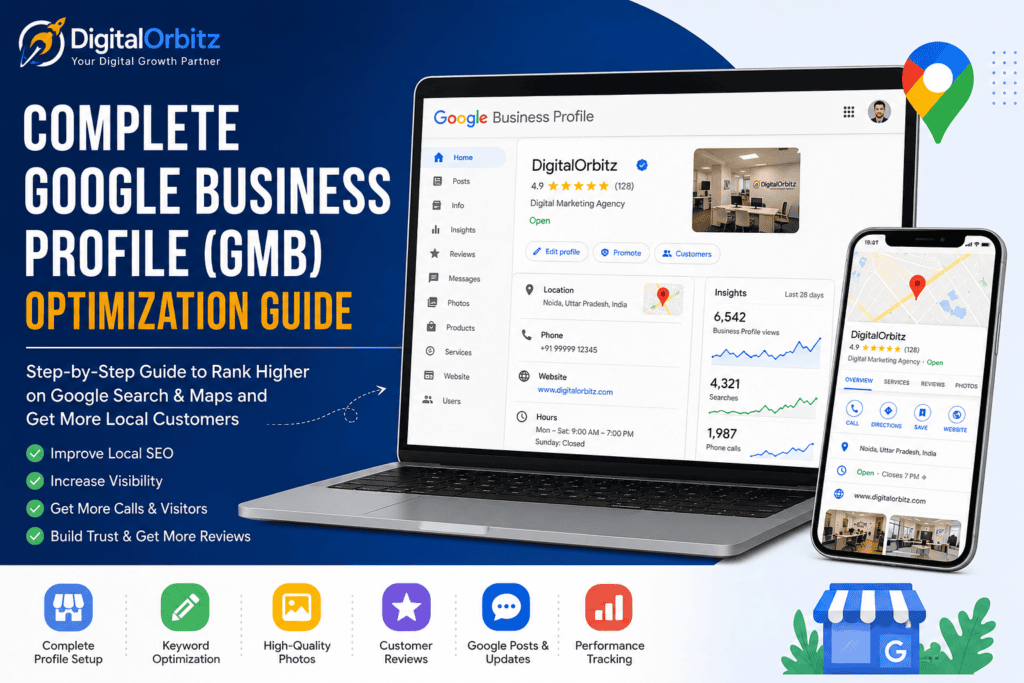
If you want your business to appear when people search for products or services near them, having a well-optimized Google Business Profile (GBP), formerly known as Google My Business (GMB), is essential. A properly managed profile helps you attract local customers, build trust, and increase phone calls, website visits, and store visits.
At DigitalOrbitz, we help small and medium-sized businesses improve their online presence through Local SEO, Google Business Profile optimization, website development, SEO, and paid advertising. This complete guide shares proven strategies that can help your business rank higher in Google Search and Google Maps.
Complete Google Business Profile (GMB) Optimization Guide
What Is Google Business Profile (GMB)?
Google Business Profile is a free tool provided by Google that allows businesses to manage how they appear on Google Search and Google Maps.
Your profile displays important information such as:
- Business name
- Address
- Phone number
- Website
- Business hours
- Customer reviews
- Photos
- Products
- Services
- Questions and Answers
When someone searches for a business like yours, your profile can appear before your website, making it one of the most valuable marketing tools for local businesses.
Why Google Business Profile Is Important
A complete and optimized profile offers many benefits.
It helps you:
- Increase local visibility
- Appear in Google Maps
- Get more phone calls
- Receive more website visits
- Build customer trust
- Collect positive reviews
- Increase store visits
- Improve local SEO rankings
Many customers decide whether to contact a business based only on its Google profile.
Who Should Use Google Business Profile?
Almost every local business should have one.
Examples include:
- Restaurants
- Cafes
- Doctors
- Dentists
- Lawyers
- Gyms
- Schools
- Digital marketing agencies
- Salons
- Retail stores
- Interior designers
- Real estate agents
- Home service businesses
- Repair shops
- Freelancers serving local clients
If customers can visit your location or you serve a local area, Google Business Profile is important.
Step 1: Create Your Google Business Profile
Visit Google Business Profile and sign in with your Google account.
Then:
- Enter your business name.
- Choose your business category.
- Add your address if customers visit you.
- Add service areas if you visit customers.
- Add your phone number.
- Add your website.
- Complete the verification process.
Verification proves that you own the business.
Step 2: Choose the Right Business Category
Your primary category is one of the most important ranking factors.
Choose the category that best describes your business.
Examples:
- Digital Marketing Agency
- Restaurant
- Dentist
- Clothing Store
- Real Estate Agency
You can also add secondary categories.
Do not choose unrelated categories just to get more traffic.
Step 3: Write an SEO-Friendly Business Description
You get up to 750 characters for your business description.
Write naturally.
Explain:
- What your business does
- Who you help
- Where you provide services
- What makes you different
Example:
“DigitalOrbitz helps small businesses grow online through SEO, Google Ads, Meta Ads, website development, Local SEO, and Google Business Profile optimization. We work with businesses across Delhi NCR and throughout India.”
Avoid keyword stuffing.
Step 4: Add Complete Contact Information
Always include:
- Phone number
- Website
- Business address
- Email if applicable
Make sure this information matches everywhere online.
This is called NAP consistency.
NAP means:
- Name
- Address
- Phone Number
Google trusts businesses with consistent information.
Step 5: Add Accurate Business Hours
Always keep your hours updated.
Update them during:
- Holidays
- Festivals
- Special events
- Temporary closures
Customers become frustrated when they visit during closed hours.
Google also values accurate information.
Step 6: Upload High-Quality Photos
Businesses with quality photos often receive more customer engagement.
Upload photos of:
- Office
- Storefront
- Team
- Products
- Services
- Customers (with permission)
- Before-and-after work
- Equipment
- Interior
- Exterior
Tips:
- Use clear images.
- Avoid blurry photos.
- Use good lighting.
- Upload new photos regularly.
Fresh images tell Google your business is active.
Step 7: Add Your Logo and Cover Photo
Your logo helps customers recognize your brand.
Your cover photo creates the first impression.
Choose a professional image that represents your business.
Step 8: Add Services
List every service separately.
Example for a digital marketing agency:
- Search Engine Optimization
- Google Ads Management
- Meta Ads
- Website Design
- Website Development
- Local SEO
- Content Marketing
- Social Media Marketing
- Lead Generation
Write a short description for each service.
Step 9: Add Products
Even service businesses can showcase packages.
Examples:
- SEO Starter Package
- Google Ads Management
- Website Development Package
- Local SEO Package
Add:
- Product name
- Description
- Price (optional)
- Image
Step 10: Collect Customer Reviews
Reviews are one of the biggest local ranking factors.
Ask satisfied customers for reviews.
Good times to ask:
- After completing a project
- After a successful delivery
- After solving a customer’s problem
Never buy fake reviews.
Google can detect spam.
How to Get More Reviews
You can:
- Send a review link by WhatsApp.
- Send an email.
- Add a QR code at your office.
- Request reviews after every completed project.
- Include review requests in invoices.
Make it easy for customers.
How to Reply to Reviews
Always reply.
Thank customers for positive reviews.
For negative reviews:
- Stay calm.
- Be polite.
- Offer a solution.
- Never argue.
Professional replies improve trust.
Step 11: Publish Google Posts
Google Posts work like social media posts.
You can publish:
- Offers
- News
- Events
- Tips
- Blogs
- Product launches
Post at least once every week.
Ideas:
- SEO tips
- Customer success stories
- New services
- Discounts
- Business updates
Step 12: Add Questions and Answers
Customers often ask questions.
Examples:
- Do you offer free consultation?
- What are your business hours?
- Do you provide online services?
Answer them yourself before customers ask.
This saves time and improves trust.
Step 13: Enable Messaging
Allow customers to message you directly.
Respond quickly.
Fast responses improve customer experience.
Step 14: Use Keywords Naturally
Include keywords in:
- Description
- Services
- Posts
- Updates
- Products
Examples:
- Google Business Profile optimization
- Local SEO
- SEO services
- Digital marketing agency
- Website development
Never overuse keywords.
Write for people first.
Step 15: Add Attributes
Attributes tell customers more about your business.
Examples:
- Online appointments
- Wheelchair accessible
- Free Wi-Fi
- Women-owned
- LGBTQ+ friendly
- Parking available
Choose only accurate attributes.
Step 16: Keep Your Profile Updated
Google prefers active businesses.
Update regularly.
Add:
- New photos
- New offers
- New products
- Latest services
- Updated business hours
Inactive profiles slowly lose visibility.
Step 17: Track Your Performance
Google Business Profile provides valuable insights.
Track:
- Profile views
- Phone calls
- Website clicks
- Direction requests
- Search terms
- Photo views
Review this data every month.
Use it to improve your strategy.
Common Google Business Profile Mistakes
Avoid these mistakes.
Keyword Stuffing
Do not add keywords to your business name unless they are part of the official name.
Bad Example:
ABC Plumbing | Best Plumber | Cheap Plumber Delhi
Good Example:
ABC Plumbing
Wrong Category
Choose the correct primary category.
Low-Quality Images
Use professional photos.
Incomplete Information
Fill every available field.
Ignoring Reviews
Always respond.
Duplicate Listings
Only maintain one verified profile for each eligible location.
Outdated Information
Update your profile regularly.
Local SEO Tips for Better Rankings
To rank higher in Google Maps:
- Build local citations.
- Add your business to trusted directories.
- Get quality backlinks.
- Publish local content.
- Optimize your website.
- Embed a Google Map on your contact page.
- Maintain NAP consistency.
- Collect genuine reviews regularly.
Website and Google Business Profile Should Work Together
Many businesses optimize only their profile.
This is a mistake.
Your website should support your Google Business Profile.
Make sure your website includes:
- Contact page
- Google Map
- Fast loading speed
- Mobile-friendly design
- Local keywords
- Clear service pages
- Customer testimonials
- Easy contact forms
A strong website improves local rankings.
How DigitalOrbitz Helps Businesses Optimize Their Google Business Profile
Managing a Google Business Profile takes time and knowledge.
At DigitalOrbitz, we help businesses improve their local visibility through proven optimization techniques.
Our services include:
- Google Business Profile setup
- Profile verification support
- Category selection
- Business description writing
- Service optimization
- Product listing
- Review strategy
- Local SEO
- Website optimization
- Monthly profile management
- Google Posts creation
- Performance tracking
Our goal is simple. We help businesses attract more local customers and generate more qualified leads through Google Search and Google Maps.
Frequently Asked Questions (FAQs)
Is Google Business Profile free?
Yes. Google Business Profile is completely free to create and manage.
How long does it take to rank higher on Google Maps?
It depends on your competition, location, reviews, profile optimization, and website quality. Many businesses begin seeing improvements within a few weeks, while competitive markets may take several months.
How often should I update my profile?
Update it every week. Add new photos, publish posts, respond to reviews, and keep your business information accurate.
Can I manage my profile without a website?
Yes, but having a professional website increases your credibility and improves your chances of ranking higher in local search results.
How many photos should I upload?
Start with at least 15–20 high-quality photos. Continue adding new images every month to show that your business is active.
Do customer reviews really affect rankings?
Yes. Genuine reviews, especially recent ones with detailed feedback, can improve both customer trust and your visibility in local search results.
Final Thoughts
A well-optimized Google Business Profile is one of the most powerful tools for attracting local customers. It helps your business appear in Google Search and Google Maps, builds trust through reviews, and increases calls, website visits, and enquiries.
The key to long-term success is consistency. Keep your information accurate, upload fresh photos, publish regular updates, respond to every review, and monitor your performance. Combine your Google Business Profile with a fast, SEO-friendly website and a strong Local SEO strategy for the best results.
If you want to save time and achieve better local rankings, the experts at DigitalOrbitz can help you optimize your Google Business Profile, improve your Local SEO, and create a digital marketing strategy that generates real business growth.
%20Optimization%20Guide:%20Boost%20Your%20Local%20Business%20in%202026)